remote files
Browse with SFTP. Send photos and files to a session. Open files your agent sends back in the gallery.

 hero / pocket terminal
Connect to your computer from iPhone or iPad.
Run commands, work with coding agents, and manage remote files.
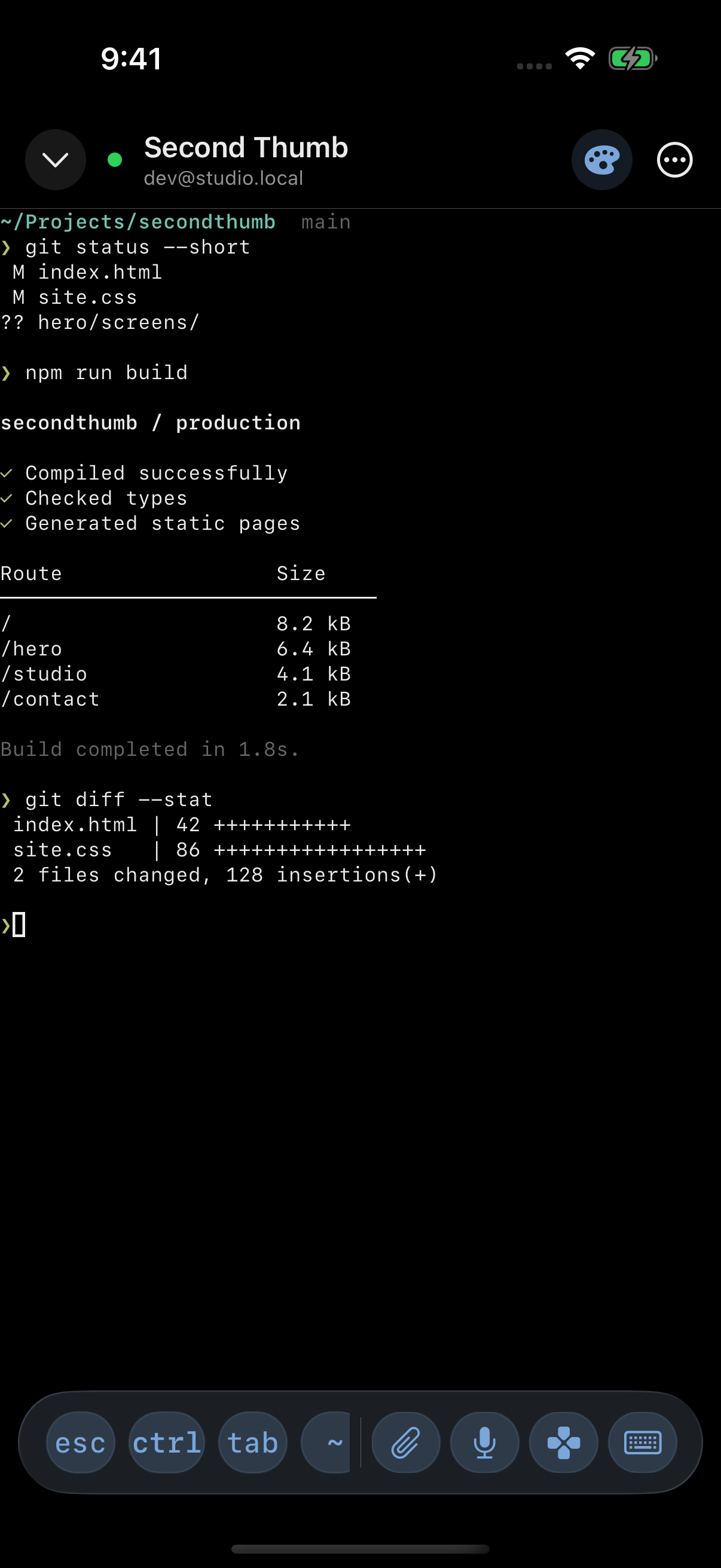
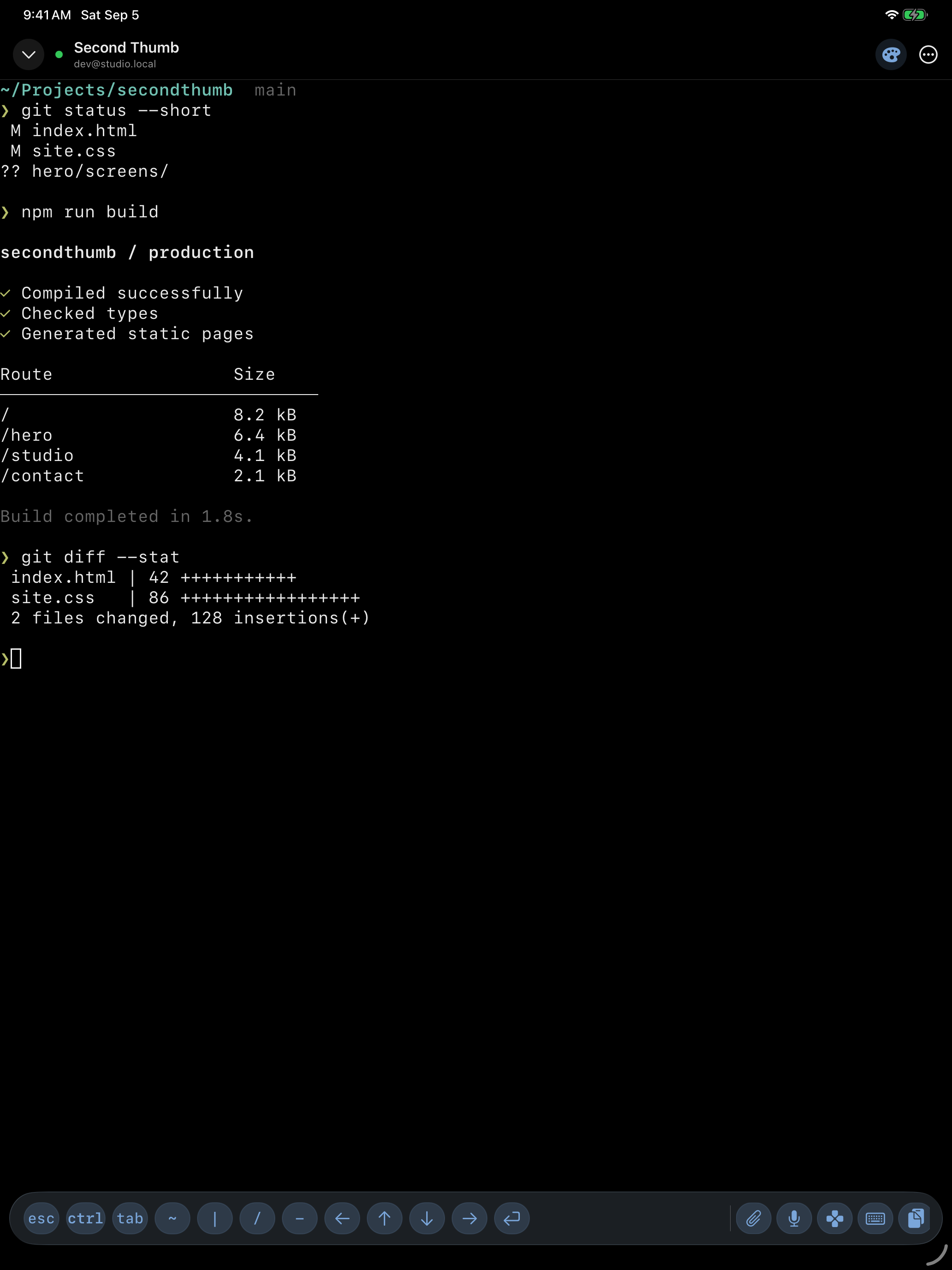
01 / terminal
Run commands and review changes with native SSH, Mosh, and Eternal Terminal connections. Use the shortcut toolbar on iPhone or spread out on iPad.
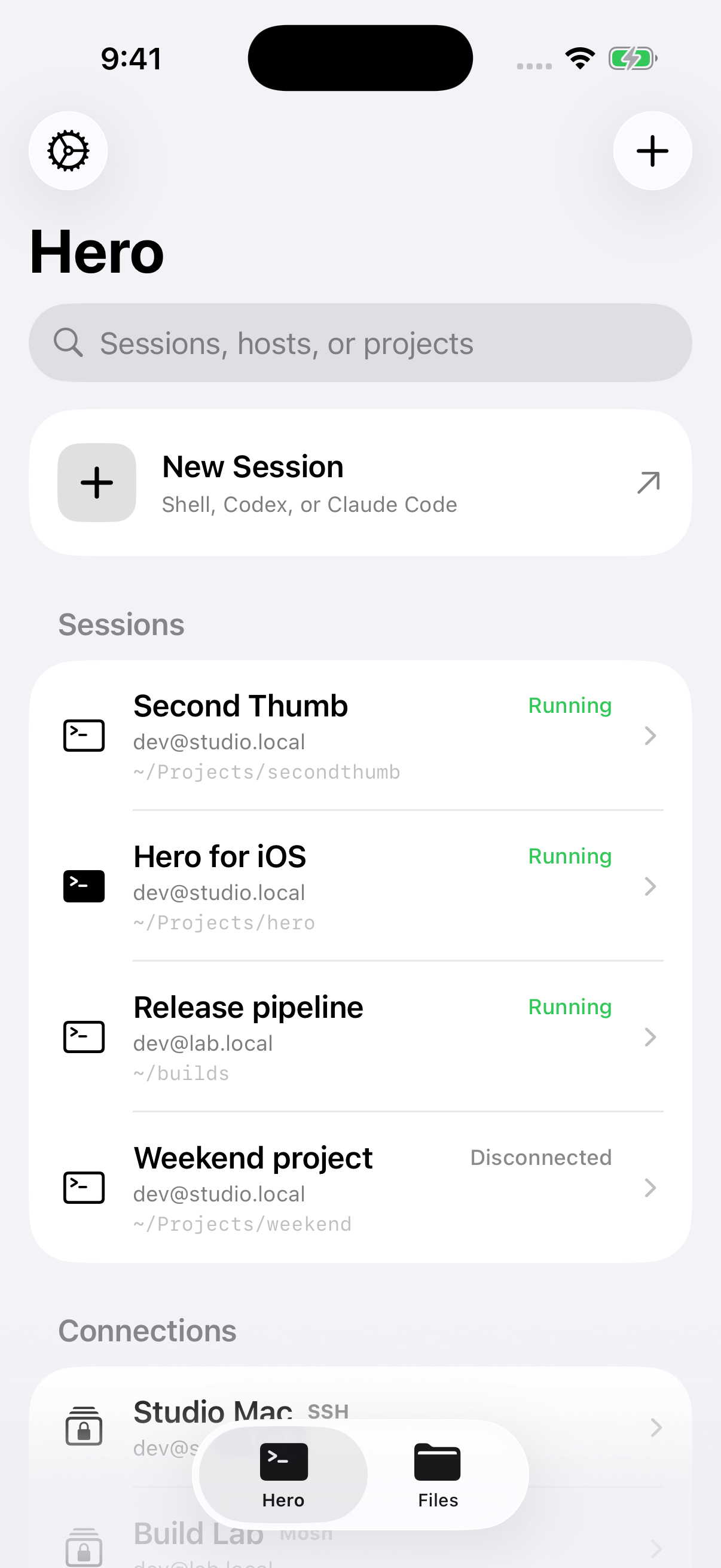
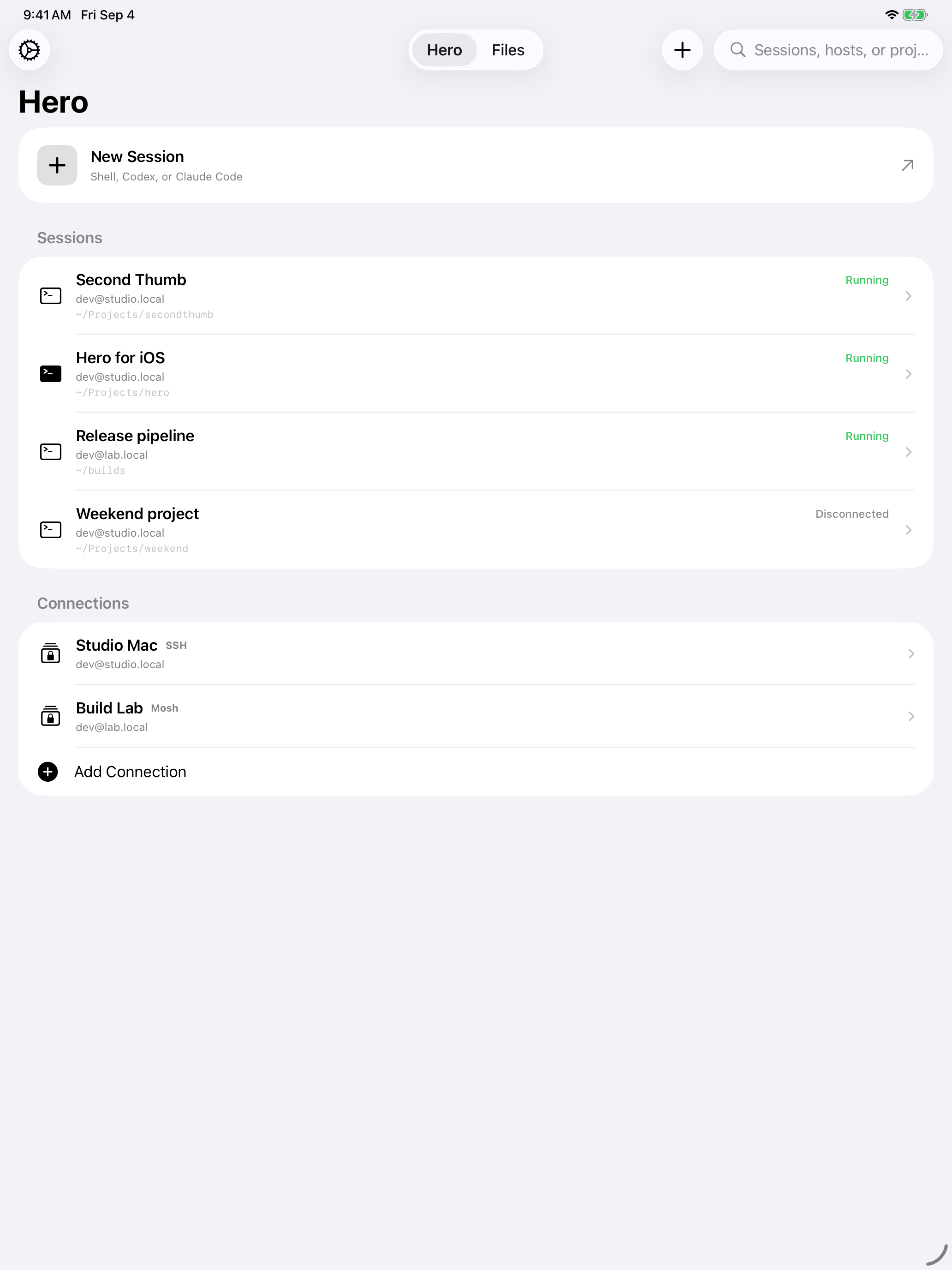
02 / sessions
Find your Shell, Codex, and Claude Code sessions in one workspace. Search by project, switch hosts, and return to work running on your computer.
03 / appearance
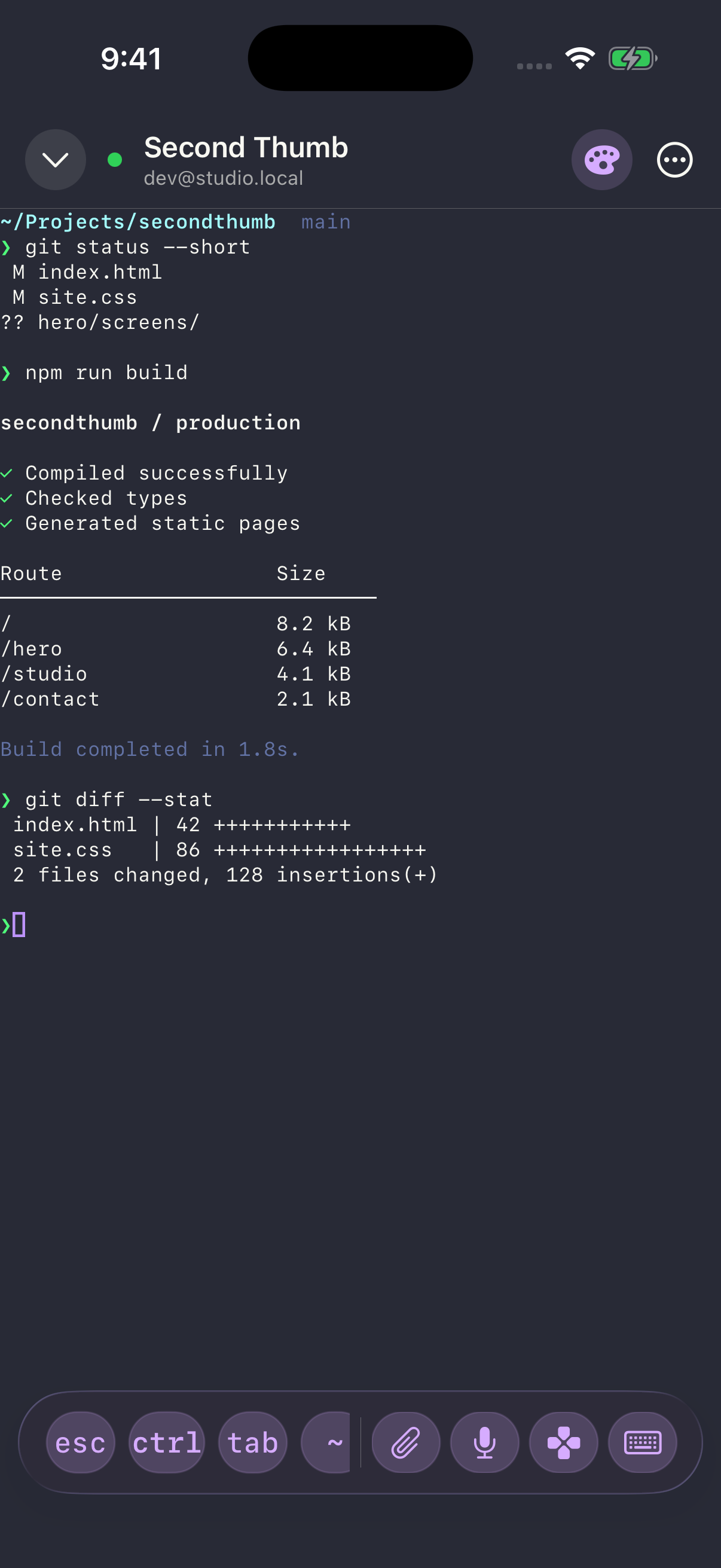
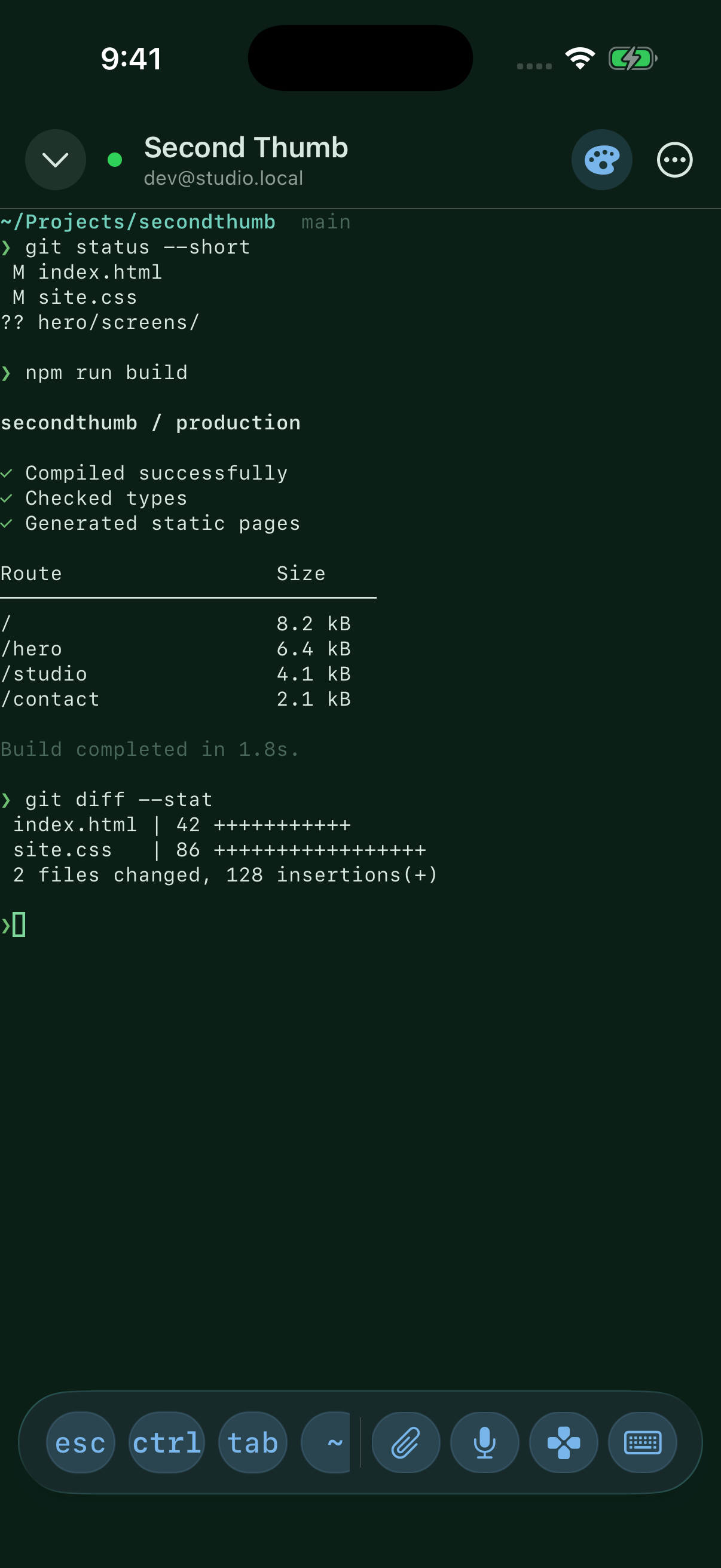
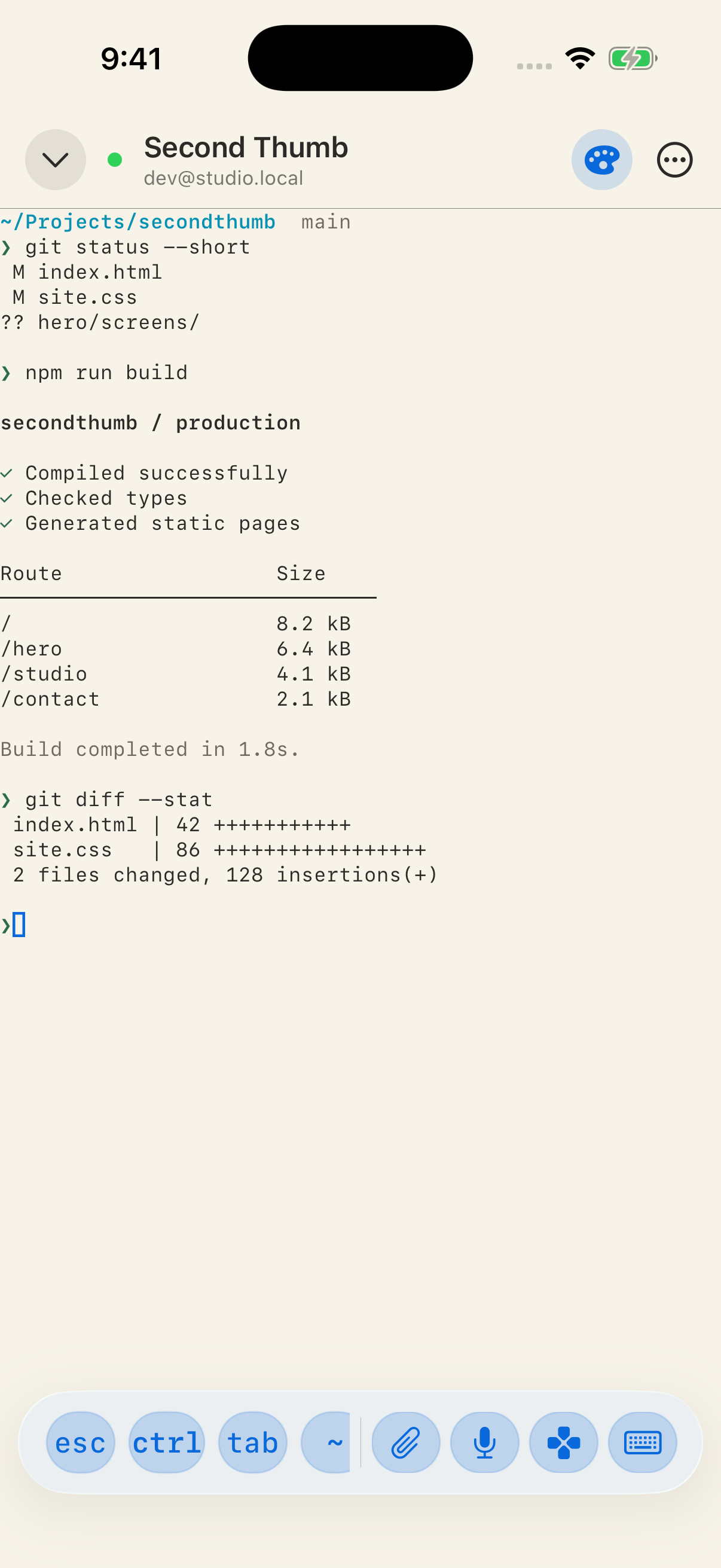
Choose a palette, import a font, or create your own theme. Here’s the same terminal session in Midnight, Forest, and Paper.
04 / controls
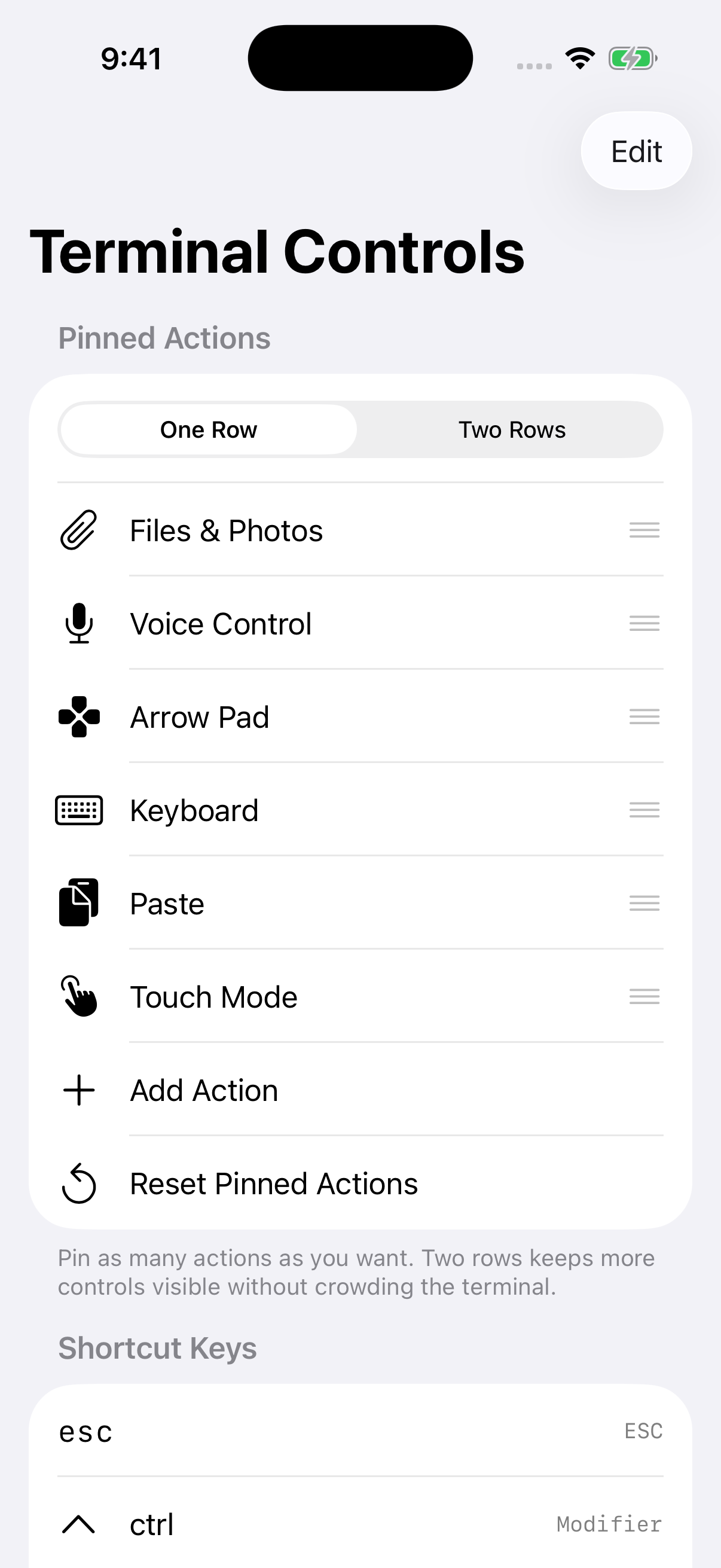
Pin the actions you use most. Set up keyboard shortcuts and gestures, then keep those controls within reach while you work.
05 / files & connections
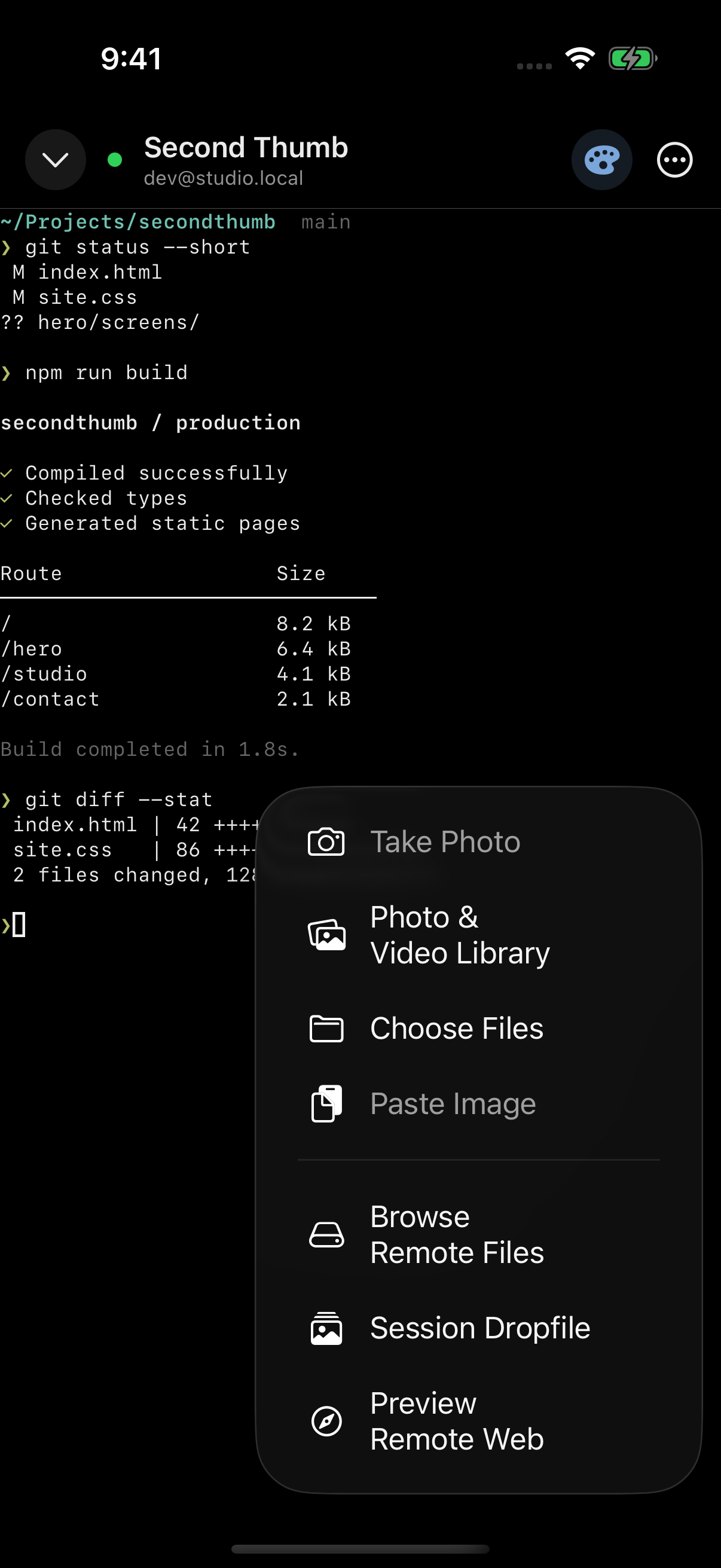
Browse with SFTP. Send photos and files to a session. Open files your agent sends back in the gallery.
Review diffs and preview a remote website through your SSH connection, without exposing a development server.
With tmux, Zellij, or herdr on your host, your work can keep running while you’re away.
Keychain credentials, optional Face ID protection, and SSH host-key pinning. Connect over LAN, Tailscale, or a reachable host.
hero / iphone + ipad
Every feature included, with no subscription or upgrade tiers.
Requires a reachable SSH host. Mosh and Eternal Terminal need their server components. Coding agents run on your host.